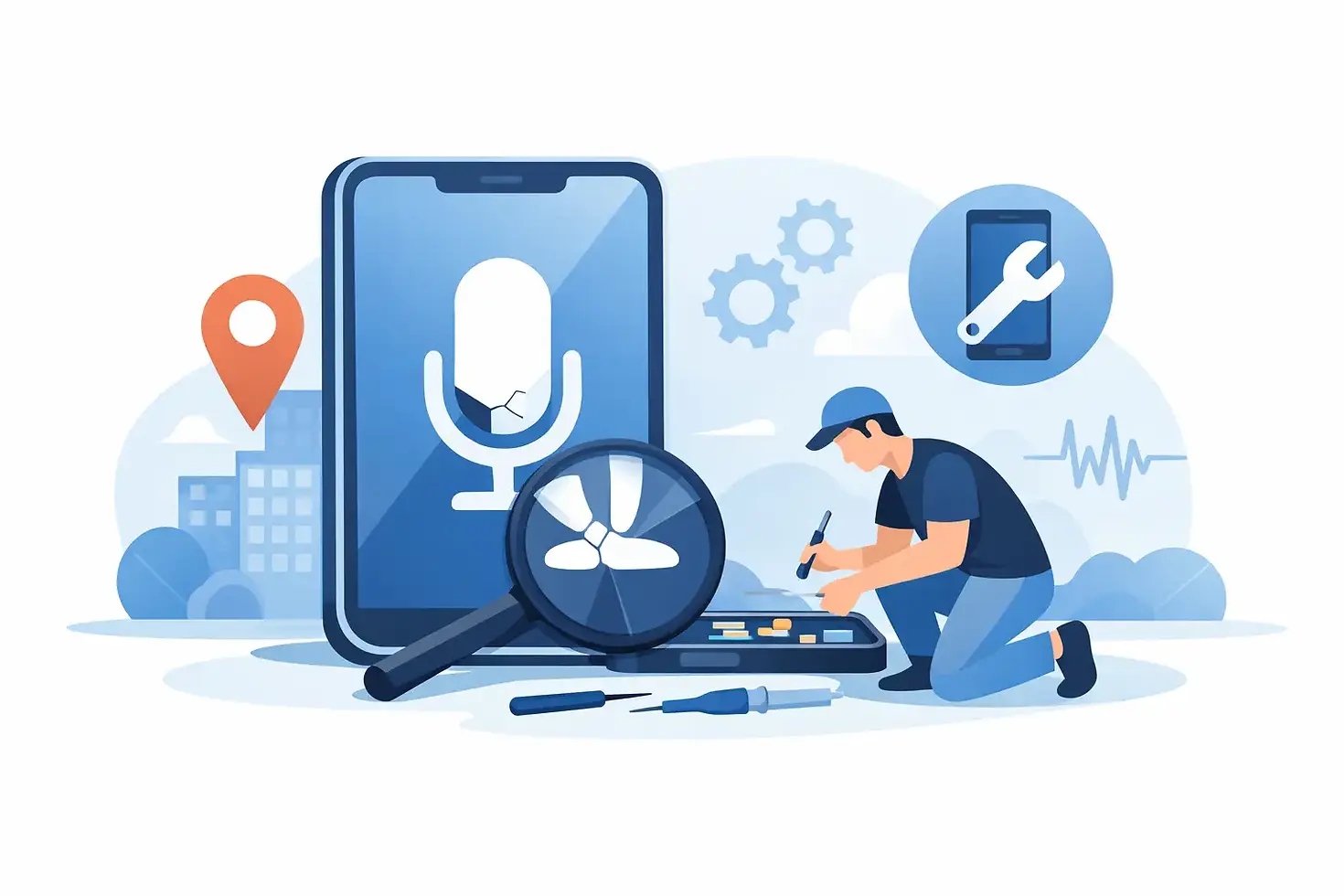
Phone Microphone Repair Near Me: What to Do First

When callers keep saying, “I can’t hear you,” a phone problem becomes a work problem, a family problem, and a daily-life problem fast. Searching for phone microphone repair near me is the right next step when your voice sounds muffled, cuts out, or disappears completely during calls, voice notes, and video chats.
A microphone issue is not always a failed part. Dust in a tiny opening, a case blocking a microphone, water exposure, Bluetooth routing, or a software setting can all create similar symptoms. A few quick checks can rule out the simple causes. If the problem continues, a certified technician can identify whether your device needs cleaning, software troubleshooting, or a professional microphone repair.
Signs You May Need Microphone Repair
The most obvious sign is that people cannot hear you on regular calls. But microphone failures do not always look the same. You may sound distant, robotic, muffled, unusually quiet, or clear for a few seconds before your voice drops out. Voice recordings may have little or no sound, and video recordings may capture audio inconsistently.
Some phones use more than one microphone. One may handle calls, another may support video recording, noise reduction, speakerphone, or voice commands. That is why a phone can sometimes record video with normal audio but still fail during a call, or work on speakerphone but not when held to your ear. The specific symptom helps narrow down the cause.
Pay attention to when the issue began. If it started after a drop, liquid exposure, a back-glass repair, or a charging-port problem, there may be physical damage or debris affecting a component. If it appeared after an update or after connecting new earbuds, software and audio-routing issues are worth checking first.
Quick Checks Before You Book a Repair
Before assuming the microphone is broken, remove your phone case and screen protector if either covers an opening near the bottom edge, camera area, or top speaker. Cases can collect lint or sit slightly out of place after a drop. Then test the phone again with a normal call and a voice recording.
Next, disconnect Bluetooth accessories. Your phone may be trying to use the microphone on wireless earbuds, a car system, smartwatch, or speaker instead of its built-in microphone. Turn Bluetooth off temporarily, make a test call, and record a short voice memo.
Check the microphone openings for visible dirt, pocket lint, makeup, or residue. Do not push pins, needles, or sharp tools into the holes. Microphone mesh and internal components are delicate, and aggressive cleaning can turn a small blockage into a larger repair. A gentle exterior cleaning is fine, but a technician should handle packed debris or corrosion.
Restarting the phone and installing available system updates can also help when the issue is software-related. Test more than one app after restarting. If calls, voice notes, video recordings, and voice assistants all have the same problem, hardware is more likely. If only one app fails, the app’s microphone permission or settings may be the real issue.
When a Phone Microphone Repair Near Me Makes Sense
Professional service makes sense when quick checks do not restore clear audio, especially if your phone is essential for work, navigation, customer calls, school, or staying in touch with family. A technician can test the microphone system rather than guessing at one part based on a single symptom.
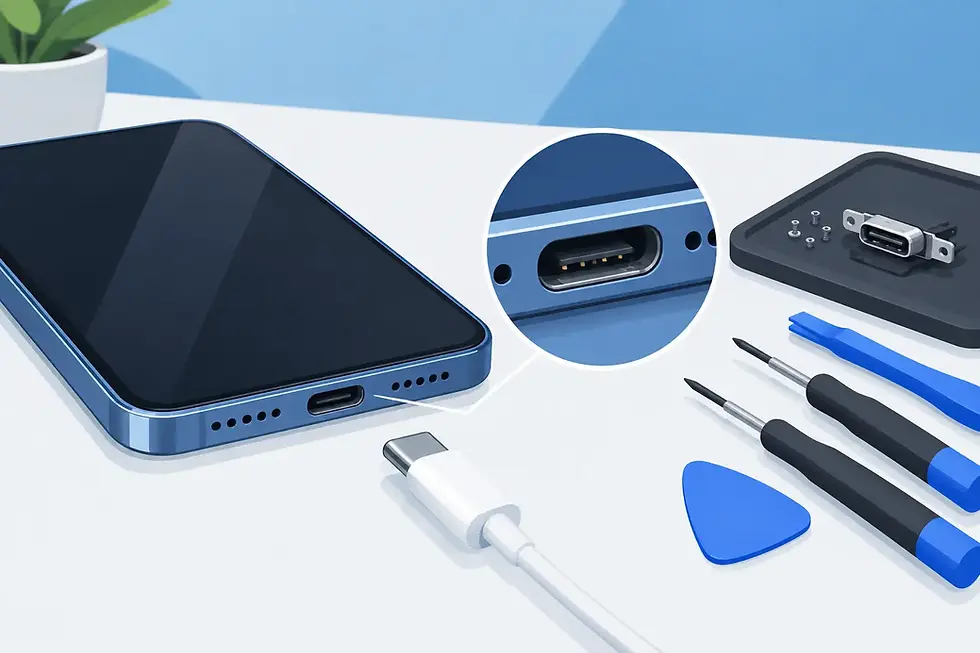
The repair may involve cleaning debris from the microphone area, replacing a damaged microphone assembly, repairing a charging-port flex component, addressing corrosion from moisture, or resolving a related board-level issue. The right repair depends on the phone model and where the failure occurred. On many devices, the primary microphone is connected to a larger component, so the repair is not always a simple stand-alone part swap.
This is also why DIY repair kits can be a poor trade-off. They may seem convenient, but opening a modern iPhone, Samsung Galaxy, Google Pixel, Motorola, OnePlus, or other Android phone can damage seals, connectors, screens, or nearby cameras. A repair that starts as a quiet microphone can become a much bigger device problem if the wrong tool or part is used.
What a Technician Should Check
A good microphone diagnosis starts with testing. The technician should compare audio from calls, speakerphone, video recording, voice recording, and any available voice-command functions. That process helps identify which microphone is affected and whether the issue is hardware, software, a blocked opening, or an accessory conflict.
Physical inspection matters too. After a drop, the microphone itself may be intact while a connector, flex cable, charging assembly, or frame component has shifted. After water exposure, corrosion can continue to affect audio even if the phone initially seemed fine. A phone should not be treated as fully recovered just because it powers on.
Quality replacement parts and careful installation are especially important for audio repairs. Your phone’s microphones work alongside speakers, cameras, sensors, charging components, and noise-reduction systems in a very tight space. The goal is not simply to make sound appear again. It is to restore clear, reliable communication across the functions you use every day.
Why On-Site Repair Saves Time
A microphone failure rarely happens at a convenient moment. You may be between meetings, waiting for a child’s school call, managing deliveries for your business, or trying to coordinate a ride home. Driving across town, waiting in a repair-store line, and coming back later can add hours to a problem that already disrupted your day.
On-site service changes that. Instead of rearranging your schedule around the repair, a technician can meet you at home, your office, an apartment, workplace, or another convenient location. For customers in Atlanta and Gwinnett County, that means getting expert help without putting another unnecessary stop on the calendar.
IkePhones brings certified technicians directly to customers for many common smartphone and tablet issues, including speaker and microphone concerns. The process is built around a straightforward goal: diagnose the problem, explain what is needed clearly, and get your device working again with as little interruption as possible.
Don’t Ignore Water-Related Audio Problems
If your microphone became quiet or unreliable after rain, a spill, humidity, or a phone falling into water, avoid charging the device until it has been assessed. Charging a wet phone can cause additional damage. Do not rely on rice as a repair method either. It does not remove corrosion or reliably dry moisture trapped inside the device.
Turn the phone off if possible, remove the case, and let a professional inspect it promptly. The sooner water-related issues are addressed, the better the chance of preventing corrosion from spreading to other parts of the phone. Even if your microphone starts working again, recurring crackling, low volume, or intermittent audio deserves attention.
How to Prepare for Your Repair Appointment
Back up your phone if it is still usable. Microphone repairs generally focus on hardware, but a backup is a smart habit before any service. Make note of when the problem happens: on normal calls, speakerphone, video, voice recordings, or with certain apps. That information can speed up diagnosis.
If you use a passcode, be prepared to enter it when needed for testing. You do not need to share personal account passwords. Remove any accessories that could affect audio, such as earbuds, charging adapters, or bulky cases, unless the technician asks you to keep them available for testing.
A clear microphone is more than a convenience. It is how you answer a client, hear your family, confirm an appointment, and handle the unexpected. If your phone is leaving others asking you to repeat yourself, get it checked before a small audio issue turns into another missed connection.


Comments